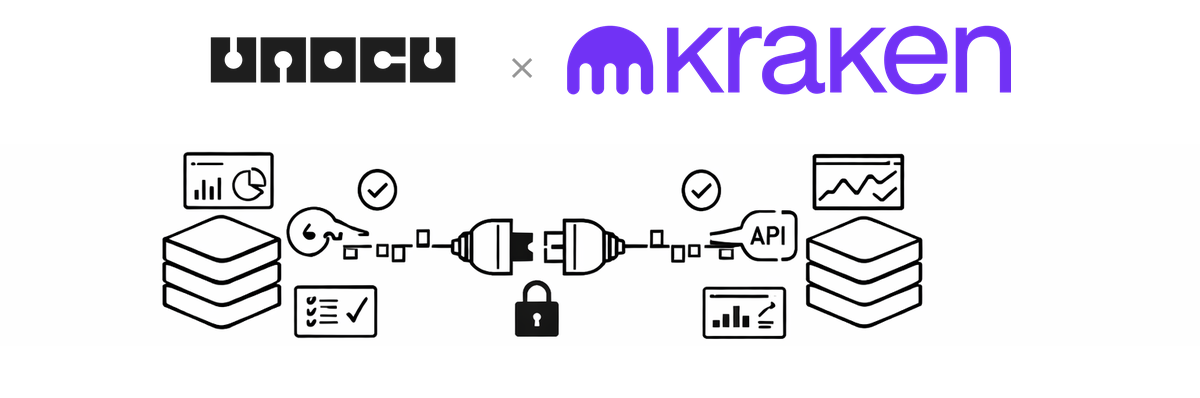
UNOCU now supports Kraken as a connected exchange. Kraken is a well-established US-based cryptocurrency exchange known for strong security practices and regulatory compliance. If your organization holds assets on Kraken, you can now pull that data directly into your UNOCU dashboard alongside your other exchange and wallet connections.
This integration joins our growing list of supported exchanges, which includes Coinbase, Coinbase Prime, Gemini, Binance, Bybit, and BloFin, plus blockchain wallet tracking. The goal remains the same: give you a single, consolidated view of your digital asset portfolio without ever touching your funds.
What This Means for Your Dashboard
Once you connect your Kraken account, UNOCU reads your account balances via Kraken's API and feeds that data into the relevant dashboard modules:
•Umbrella — portfolio value, asset allocation, and profit-and-loss tracking
•Nurture — treasury health monitoring
•Compound — staking activity tracking
•Utilize — trading data and activity
One detail worth noting: Kraken uses non-standard asset naming internally. Bitcoin appears as XXBT, Ethereum as XETH, US dollars as ZUSD, and so on. UNOCU automatically normalises these to standard ticker symbols, so everything displays consistently across your dashboard regardless of which exchange the data comes from.
How to Connect Your Kraken Account
Connecting Kraken requires an API Key and a Private Key from your Kraken dashboard. Here is the full process:
Generate Your Kraken API Credentials
1.Log in to your Kraken account at kraken.com.
2.Navigate to Settings > API (or Security > API).
3.Click Create New Key.
4.Under Permissions, enable "Query Funds". This is the read-only balance permission. Do not enable trading, withdrawal, or any other permissions.
5.Copy the API Key and Private Key provided. Store the Private Key securely — Kraken only shows it once.
Connect in UNOCU
6.In UNOCU, go to Connectors from the sidebar menu.
7.Find the Kraken card and click Connect.
8.Enter both credentials (API Key and Private Key).
9.Click Test Connection. UNOCU will verify the credentials against the Kraken API and show a summary of the accounts found.
10.Once the test passes, click Save Connection. Your Kraken data will begin appearing in the dashboard.
Security and Permissions
UNOCU uses read-only API access. It cannot execute trades, move funds, or modify anything on your Kraken account. A few important points to keep in mind:
•Only enable the "Query Funds" permission when creating your API key. Do not enable any other permissions. UNOCU does not need them, and limiting scope is always the safer approach.
•Kraken's Private Key is base64-encoded. Paste it exactly as Kraken provides it — do not decode or modify it.
•UNOCU does not hold or move assets. It reads data only. Your funds remain on Kraken at all times.
Plan Availability
Starter plan users can connect one exchange. Growth plan users ($49/month) can connect unlimited exchanges. If you are managing assets across multiple platforms, the Growth plan gives you a complete consolidated view.
What’s Next
Kraken is the another exchange integration in UNOCU, joining Coinbase, Coinbase Prime, Gemini, Binance and others. We also support blockchain wallet connections for on-chain tracking. More integrations are on the way, including accounting platforms like QuickBooks and Xero, to further close the gap between your digital asset data and your back-office workflows.
Get Started
Visit unocu.com to connect your Kraken account today. If you have questions or run into any issues during setup, reach out to our support team and we will help you get connected.