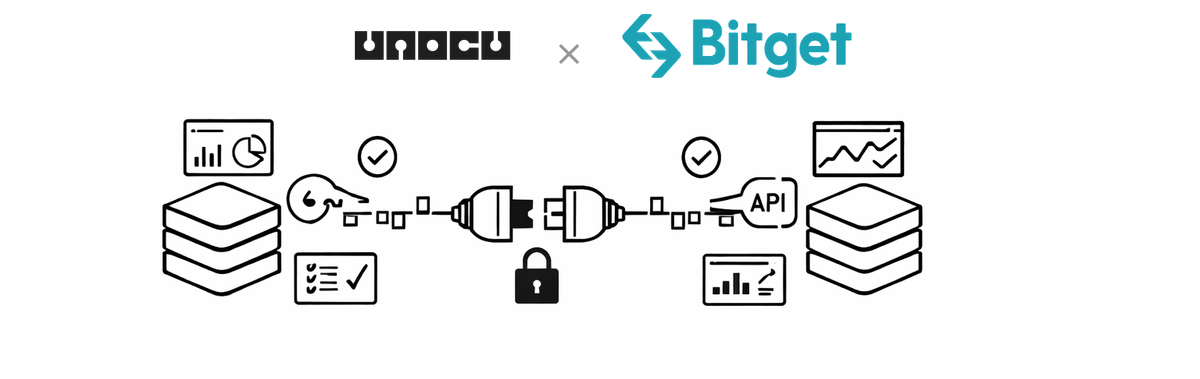
We are continuing to expand the list of exchanges and data sources available in UNOCU. Today, we are adding support for Bitget, a leading global cryptocurrency exchange known for copy trading, spot trading, and derivatives. If your organization holds assets on Bitget, you can now pull that data into your UNOCU dashboard alongside everything else.
What This Means for Your Dashboard
Once you connect your Bitget account, UNOCU reads your account balances through the Bitget API. That data flows into the modules you already use:
•Umbrella — Portfolio value, asset allocation, and P&L across all connected accounts
•Nurture — Treasury health metrics that include Bitget holdings
•Compound — Staking and yield tracking for assets held on Bitget
•Utilize — Trading data pulled from your Bitget activity
UNOCU does not hold, move, or modify any assets. The connection is strictly read-only.
How to Connect Bitget
Bitget requires three credentials to authenticate API access: an API Key, an API Secret, and a Passphrase. The Passphrase is a password you set when creating the API key — it is unique to Bitget and serves as an additional layer of security.
On Bitget
1.Log in to your Bitget account at bitget.com.
2.Navigate to Profile > API Management.
3.Click Create API Key.
4.Set permissions to read-only. Enable only "Read" access. Do not enable trading, withdrawal, or transfer permissions.
5.Set a passphrase when prompted. This is a password you choose to secure the API key.
6.Copy the API Key, API Secret, and Passphrase. Store them securely — the Secret is only shown once.
In UNOCU
1.In UNOCU, go to Connectors from the sidebar menu.
2.Find the Bitget card and click Connect.
3.Enter all three credentials: API Key, API Secret, and Passphrase.
4.Click Test Connection. UNOCU will verify the credentials against the Bitget API and show a summary of accounts found.
5.Once tested successfully, click Save Connection.
The entire process takes a few minutes. Once saved, UNOCU will begin syncing your Bitget data automatically.
Security and Permissions
UNOCU uses read-only API access. It cannot execute trades, move funds, or modify anything on your Bitget account. The API key you create should have only "Read" permissions enabled — no trading, no withdrawals, no transfers.
Bitget's passphrase requirement adds a third layer of authentication beyond the standard API key and secret. This passphrase is set by you during key creation and must be entered in UNOCU to complete the connection. We recommend using a unique, strong passphrase and storing all three credentials in a password manager.
Plans and Limits
Starter plan users can connect one exchange. Growth plan users ($49/month) can connect unlimited exchanges, making it straightforward to consolidate data from Bitget alongside Coinbase, Kraken, Binance, or any other supported source.
What's Next
With Bitget, UNOCU now supports eight exchanges: Coinbase, Coinbase Prime, Kraken, Gemini, Binance, Bybit, BloFin, and Bitget. We also support blockchain wallets on Solana, Ethereum, Bitcoin, and other networks.
We are actively working on integrations with accounting platforms including QuickBooks and Xero, which will allow organizations to connect their crypto portfolio data with their existing financial workflows. More exchange integrations are also in progress.
Get Started
If you are already using UNOCU, head to Connectors and set up the Bitget integration today. If you are new to UNOCU, visit unocu.com to learn how we help organizations track, manage, and report on their digital asset portfolios.
Disclaimer: This content is for informational purposes only and does not constitute financial advice. Always conduct your own research before making investment decisions.