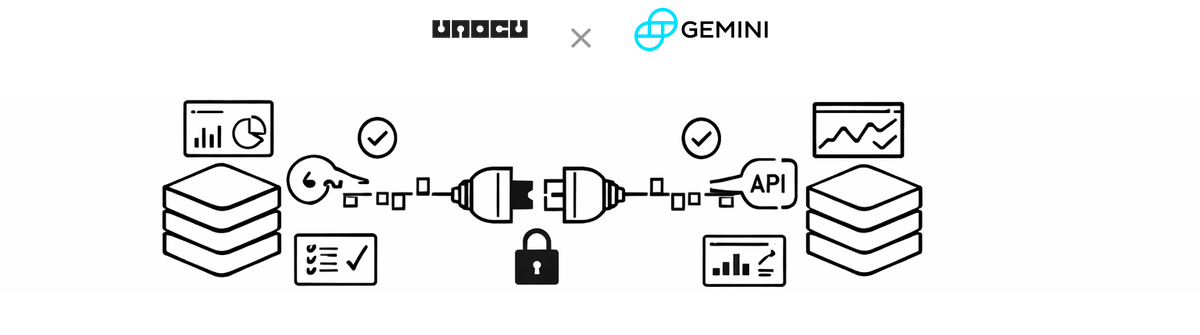
We are continuing to expand the list of exchanges that integrate with UNOCU. Today we are adding support for Gemini, the US-based cryptocurrency exchange founded by Cameron and Tyler Winklevoss. Gemini is known for its strong regulatory compliance, institutional-grade security, and transparent operations — making it a trusted choice for businesses and individuals managing digital assets.
If you hold assets on Gemini, you can now connect your account to UNOCU and see those balances alongside data from your other exchanges and wallets in a single dashboard.
What This Means for Your Dashboard
Once connected, UNOCU reads your account balances from Gemini via their API. That data flows into the modules you already use:
Umbrella — Your Gemini holdings are included in portfolio value, asset allocation breakdowns, and profit-and-loss calculations.
Nurture — Treasury health metrics reflect your Gemini balances, giving you a more complete picture of your organization's crypto holdings.
Compound — Any staking activity on Gemini is tracked alongside staking data from other connected sources.
Utilize — Trading data from Gemini feeds into your operational reporting.
UNOCU does not hold, move, or manage your assets. It reads data only. Your funds stay on Gemini at all times.
How to Connect Your Gemini Account
You will need two credentials from Gemini: an API Key and an API Secret. Here is how to set it up:
1. Log in to your Gemini account at gemini.com.
2. Navigate to Settings > API (or Account > API Settings).
3. Click Create a New API Key.
4. Under API Key Settings, select the "Auditor" role or enable only the "Fund Management" read permissions. Do not enable trading or withdrawal permissions.
5. Copy the API Key and API Secret provided. The Secret is only shown once — store it securely.
6. In UNOCU, go to Connectors from the sidebar menu.
7. Find the Gemini card and click Connect.
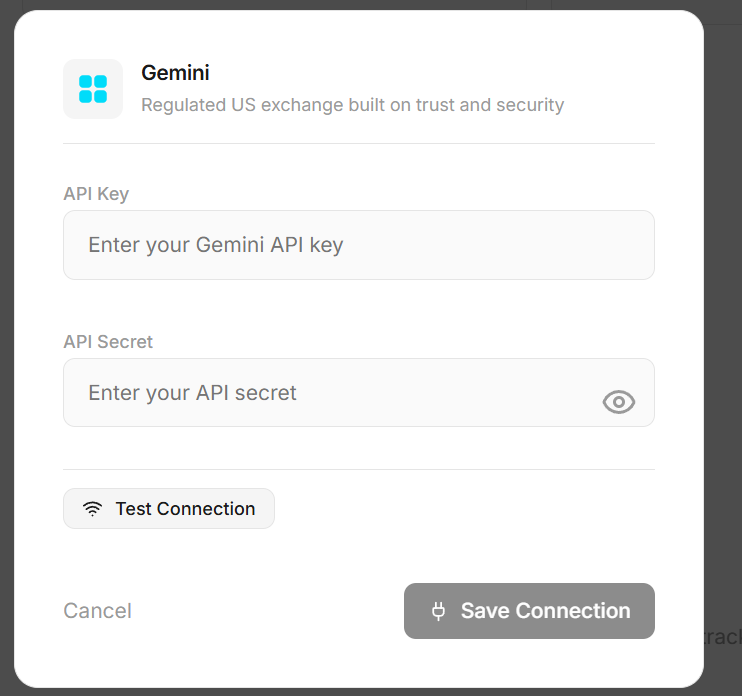
8. Enter both credentials (API Key and API Secret).
9. Click Test Connection. UNOCU will verify the credentials against the Gemini API and show a summary of accounts found.
10. Once tested successfully, click Save Connection.
The entire process takes about two minutes. Once saved, UNOCU will begin syncing your Gemini data automatically.
Security and Permissions
UNOCU uses read-only API access. It cannot execute trades, move funds, or modify anything on your Gemini account. We recommend selecting the "Auditor" role when creating your API key, as it provides read-only access to balances — which is all UNOCU needs.
There is no need to grant trading or withdrawal permissions. If your API key has broader permissions than necessary, we recommend revoking it and creating a new one scoped to read-only access.
UNOCU never takes custody of your assets. We are a data aggregation layer — not an exchange, wallet, or custodian.
Plan Availability
Starter plan users can connect one exchange. Growth plan users ($49/month) can connect unlimited exchanges, which is useful if you manage assets across multiple platforms.
What's Next
UNOCU currently connects to Coinbase, Coinbase Prime, Kraken, Binance and others along with blockchain wallets. We are actively working on accounting integrations, with QuickBooks and Xero next in the pipeline.
Our goal is to give you a single, consolidated view of your organization's digital assets — wherever they are held. Each new integration brings that picture closer to complete.
Get Started
If you already use UNOCU, head to Connectors in your sidebar to add Gemini. If you are new to UNOCU, visit unocu.com to learn more and start connecting your accounts.
Disclaimer: This content is for informational purposes only and does not constitute financial advice. Always conduct your own research before making investment decisions.